
Instagram Audio Downloader
Paste a Reel link and save its sound as an MP3. Free, with no Instagram login or app: the creator’s original audio, or exactly what plays in the Reel when it is set to a song.
Public posts only. Works with Reels, video posts and the first video in a carousel.
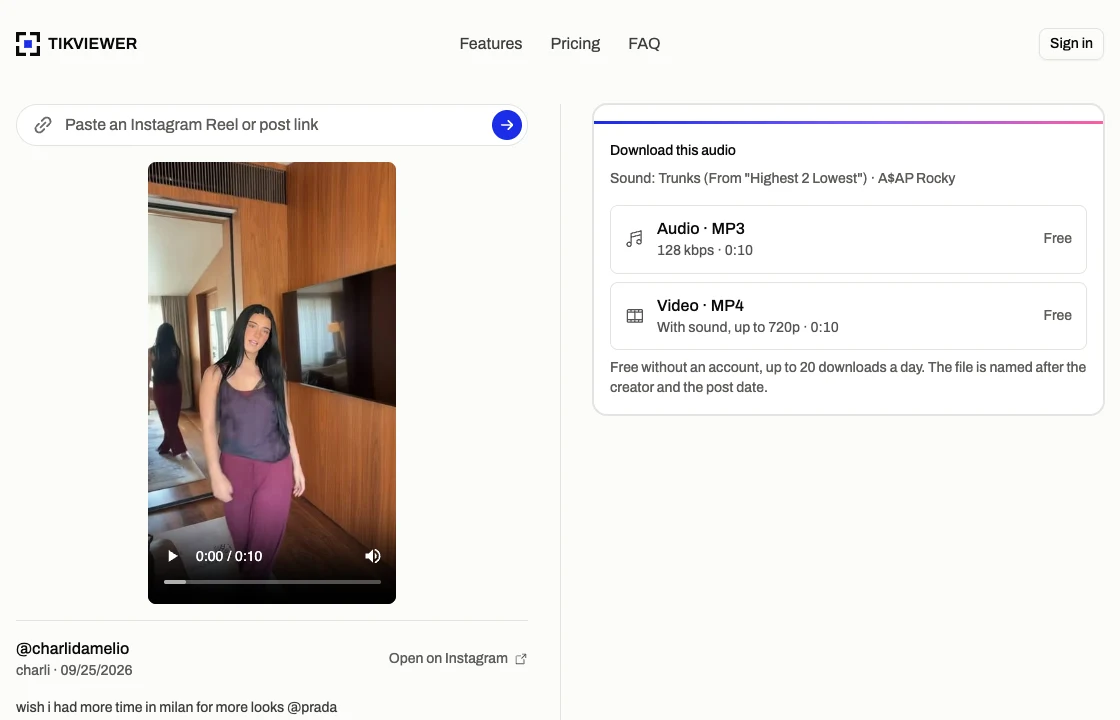
How to download audio from an Instagram Reel
- 01
Copy the Reel’s link
In Instagram, tap the Share icon under the Reel and choose Copy link. On a computer, copy the address from your browser’s address bar instead.
- 02
Paste it and listen
The Reel opens with its player and the name of its sound, so you can play it and check it is the audio you were after.
- 03
Download the MP3
Choose Audio · MP3. The sound is converted to a 128 kbps MP3 in a few seconds and saved to your device. The video, with sound, is one row down as an MP4.
What this audio downloader can and can’t do
This page converts the sound Instagram already plays to anyone on a public post. It does not open private accounts or fetch music from anywhere else.
It does
- Save a public Reel’s sound as an MP3
- Convert Reels set to licensed music, as they play
- Name the sound before you save it
- Take the sound from the first video in a carousel
- Work in any browser, on a phone or a computer
It does not
- Download the full song behind a Reel
- Open Reels from a private account
- Separate a voice from the music under it
- Save audio from Stories or Live
- Convert several Reels at once
Hear it before you save it
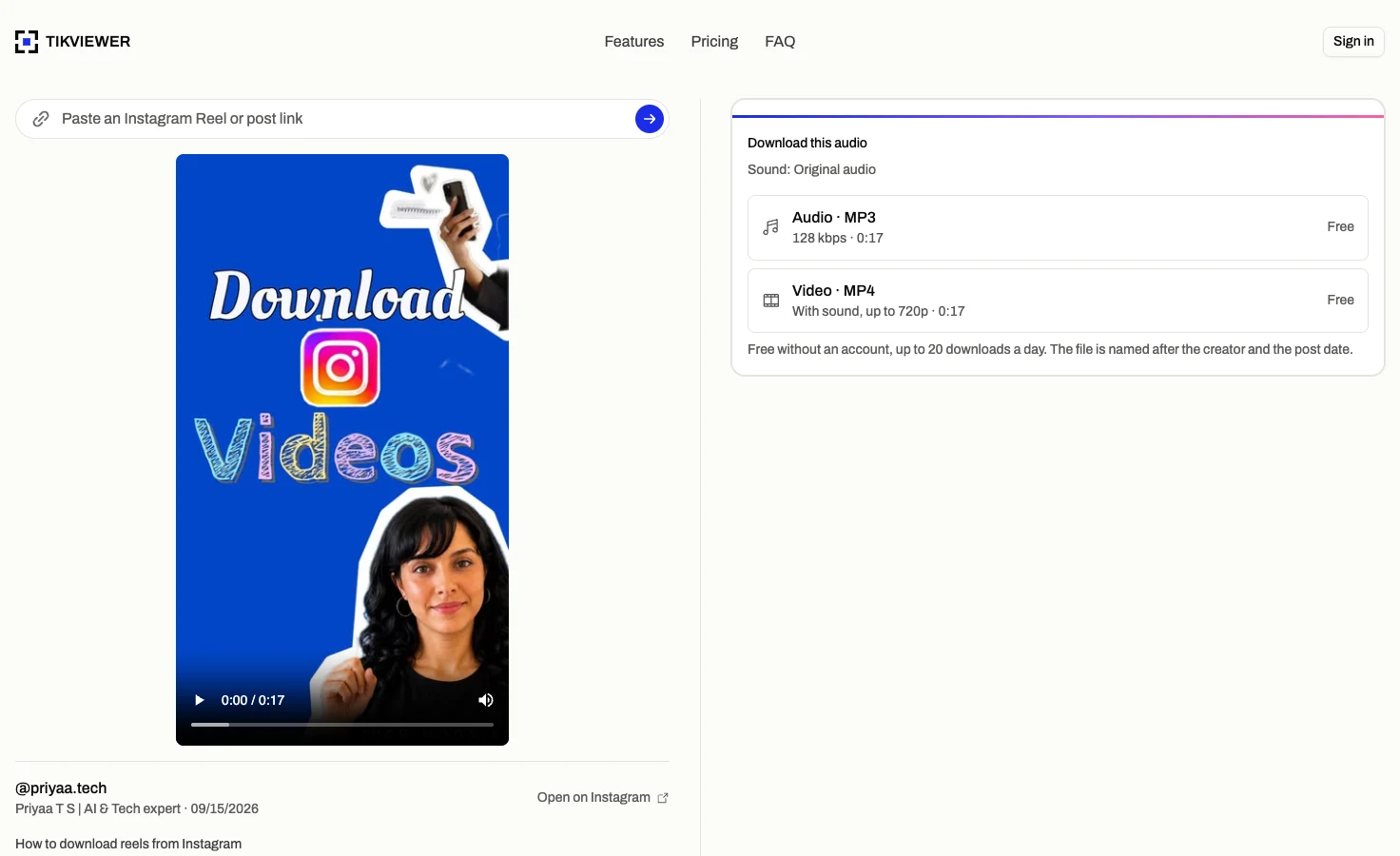
A pasted link opens the Reel with its player, so you can play the sound first and be sure it is the right one.
The download card names it too: the creator’s original audio, or the title and artist of the track the Reel is set to.
The lookup runs on our side and never touches your Instagram account, so it is not tied to you.
An MP3 that plays anywhere
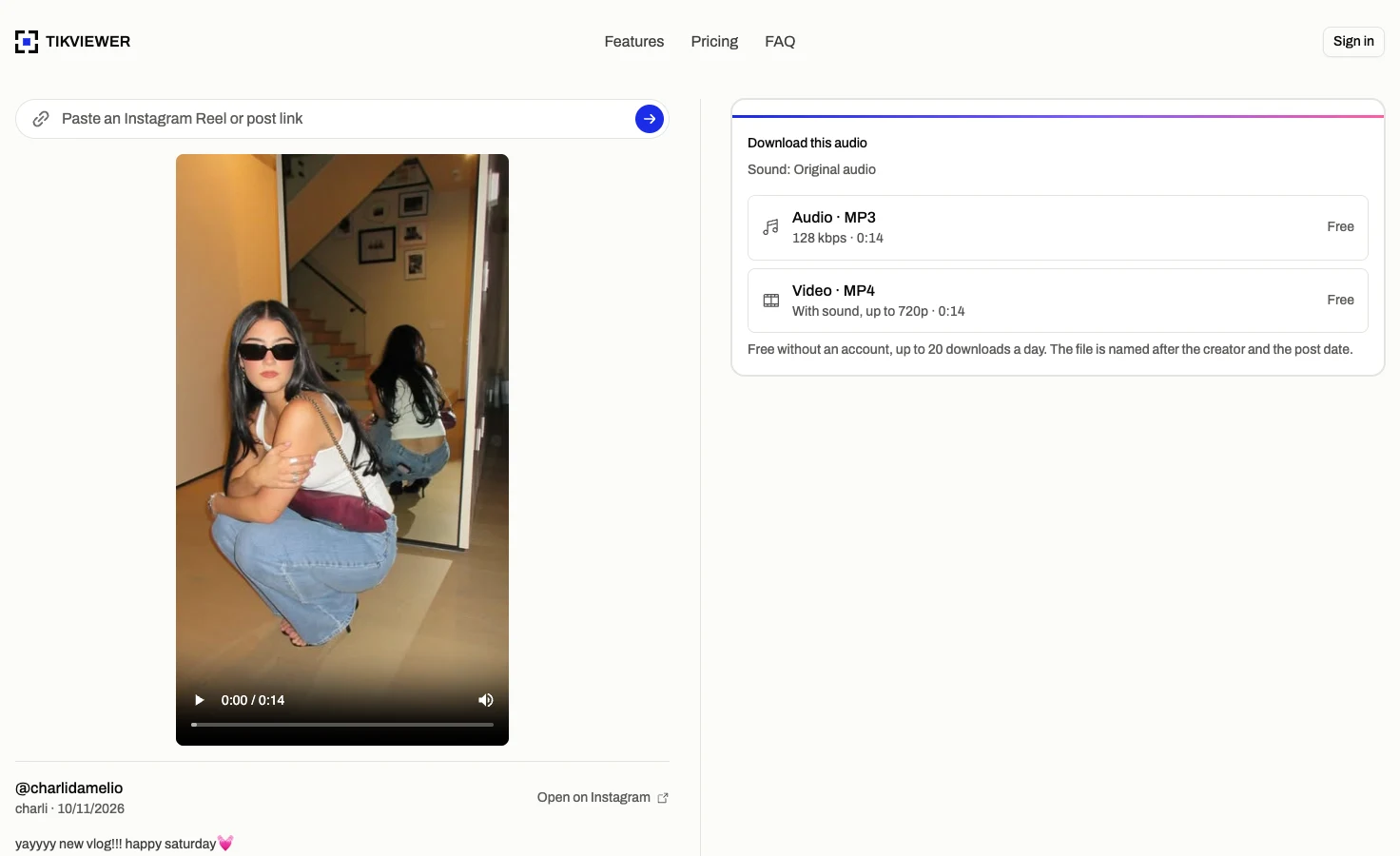
Instagram keeps a Reel’s sound as AAC inside the video. Audio · MP3 takes it out and converts it to a 128 kbps MP3, which every phone, computer, editor and car stereo plays.
When a Reel has its own original audio, that track is converted directly. When it has none, the sound is taken from the video itself, so it comes out the same either way.
The file is named after the creator, the date and the start of the caption, so you can tell your saved sounds apart.
What plays in the Reel, not the whole song
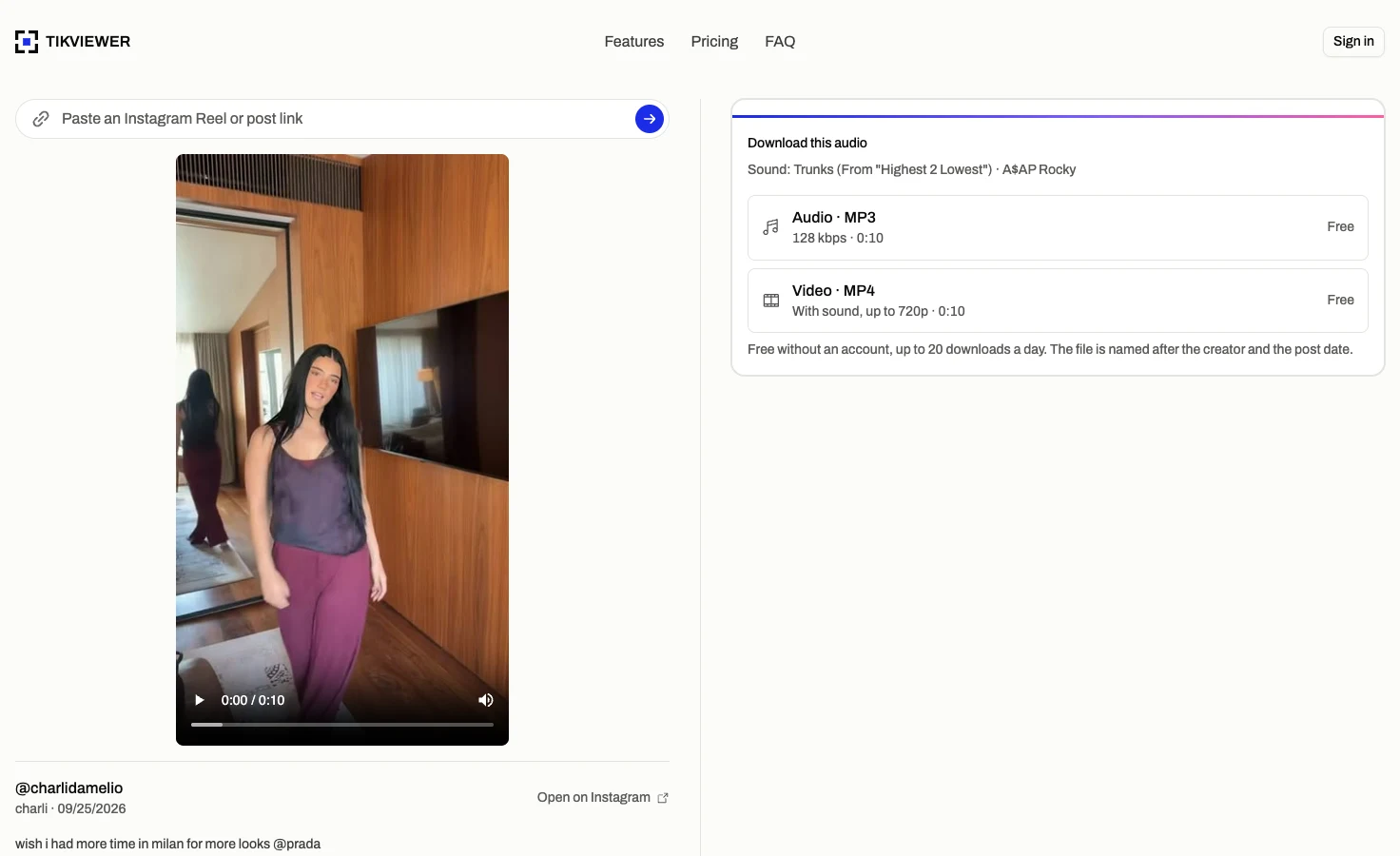
For a Reel set to a song, the MP3 is the Reel’s soundtrack: the part of the track it uses, mixed with anything else in it, for as long as the Reel runs.
TikViewer does not hand out the full track. The card tells you the song and artist, so you can find the whole thing on a streaming service.
To use a sound in your own Reel, Instagram’s own Save audio button keeps it inside the app, which is also where it stays licensed.
Instagram audio downloader facts
These details come from the current TikViewer implementation and Instagram’s published rules on downloading Reels.
| Detail | Current behavior | Why it matters |
|---|---|---|
| File | MP3, 128 kbps | Plays in any music app, editor or player. |
| Source | The Reel’s own sound | Its original audio when it has one, otherwise the video’s soundtrack. |
| Licensed music | As it plays in the Reel | The clip the Reel uses, never the full track. |
| Conversion | A few seconds | Runs on our servers, so nothing is installed on your device. |
| Account scope | Public posts only | A private account’s Reels are visible only to its followers. |
| Daily limit | 20 free without an account | Signing in to a free TikViewer account removes the cap. |
Instagram’s help page on downloading Reels explains which Reels can be downloaded and how original audio is included. Source: Instagram Help Center.
Useful when the sound is the part you want
- Creators
- Keep a sound you want to remember, with the creator’s name in the file so you can credit them later.
- Editors
- Pull a voiceover or a sound bite into your editor as a plain MP3, without the video around it.
- Language learners
- Listen to a spoken Reel offline and on repeat, without the screen on.
Instagram audio download questions
How do I download audio from an Instagram Reel?
Copy the Reel’s link from Instagram’s Share menu, paste it into the field on this page, and choose Audio · MP3. The sound is converted in a few seconds and saved to your device.
How do I convert an Instagram Reel to MP3?
The same way: paste the Reel’s link here and choose Audio · MP3. The conversion runs on our servers, so there is no app, extension or converter to install.
Can I download Instagram audio on iPhone?
Yes. Open this page in Safari, paste the link and tap Audio · MP3. Safari saves the MP3 to Files, in the Downloads folder, where it plays straight away.
Can I use Instagram audio as a ringtone?
Yes. On Android, save the MP3 to your phone and pick it under Settings › Sound › Ringtone; some phones call it Sounds and vibration. On iPhone a ringtone has to come through GarageBand: import the MP3, trim it to 30 seconds or less, then share the project as a Ringtone.
Which link do I paste, the Reel’s or the sound’s?
The Reel’s, copied from the Share menu under it. A sound’s own page, a link with /reels/audio/ in it, lists every Reel that uses that sound and is not a file this page can open. Open any Reel from that list and copy its link instead.
Can I download the song from a Reel that uses licensed music?
You get what plays in the Reel, for as long as the Reel runs, not the full song. The card names the track and artist, so you can find the whole song on a streaming service.
How do I save Instagram audio to use in my own Reel?
Use Instagram’s own button: tap the sound’s name at the bottom of the Reel, then Save audio. It appears under Saved in your profile and stays licensed for use in Reels, which an uploaded MP3 of the same music may not be.
What quality is the MP3?
128 kbps. Instagram’s own audio is already compressed AAC, so a higher MP3 bitrate would make the file bigger without making it sound better.
Why can’t I download the audio from a Reel?
The post may be private, deleted or a photo, or Instagram may mark the video as having no sound. In each case there is no audio this page can reach.
Is this Instagram audio downloader free?
Yes. Up to 20 downloads a day need no account at all, and a free TikViewer account removes the daily cap. Downloads never spend credits.
Can I use downloaded Instagram audio in my videos?
Only with permission. Original audio belongs to the creator and licensed music to its rights holders, and Instagram says Reels downloaded with its own button are not for commercial use. Music reposted without a license can be muted or taken down. Instagram Help Center
Is TikViewer connected to Instagram?
No. TikViewer is independent and not affiliated with Instagram or Meta. Instagram is a trademark of Meta Platforms, Inc.
Save the sound from an Instagram Reel
Paste a link and get an MP3. No Instagram login, app or extension.
Public posts only. Instagram is a trademark of Meta Platforms, Inc., and TikViewer is not affiliated with it.